

From LAST
Tatsu Shirt Wallpapers Are Here!
25/11/2026, 12:14:23 GMT
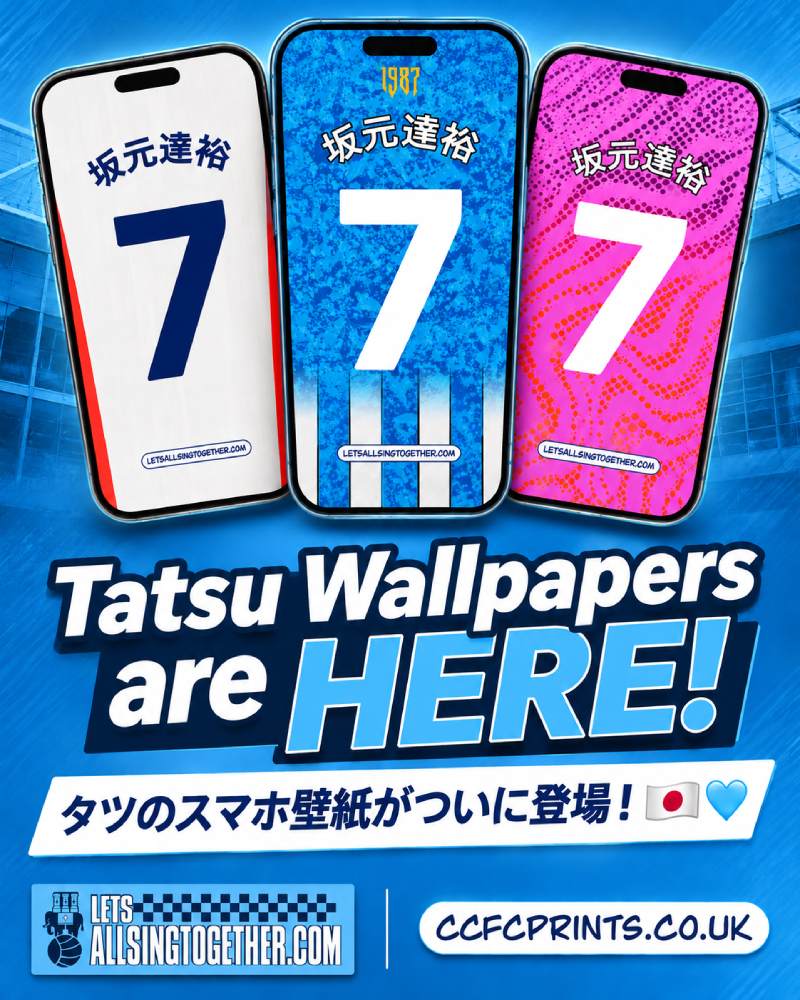
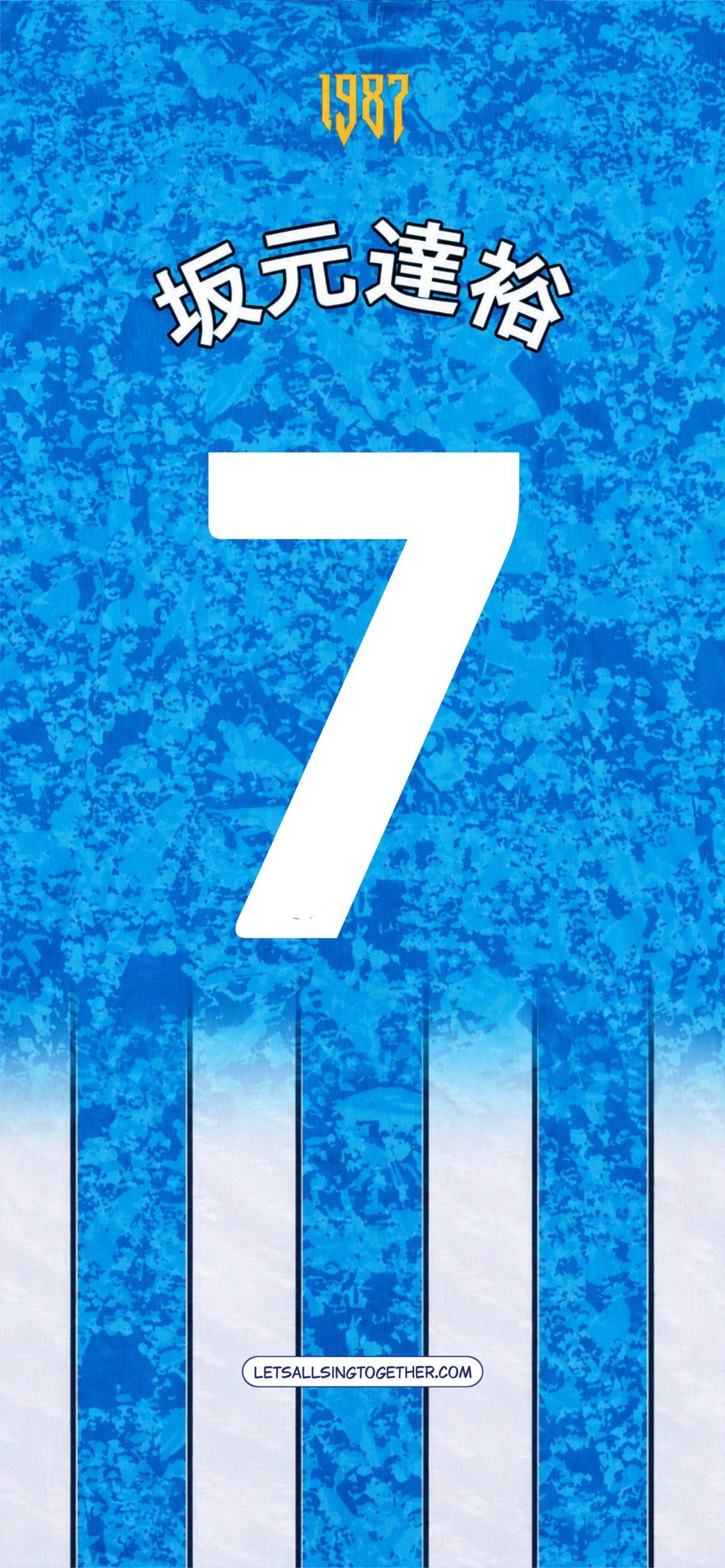
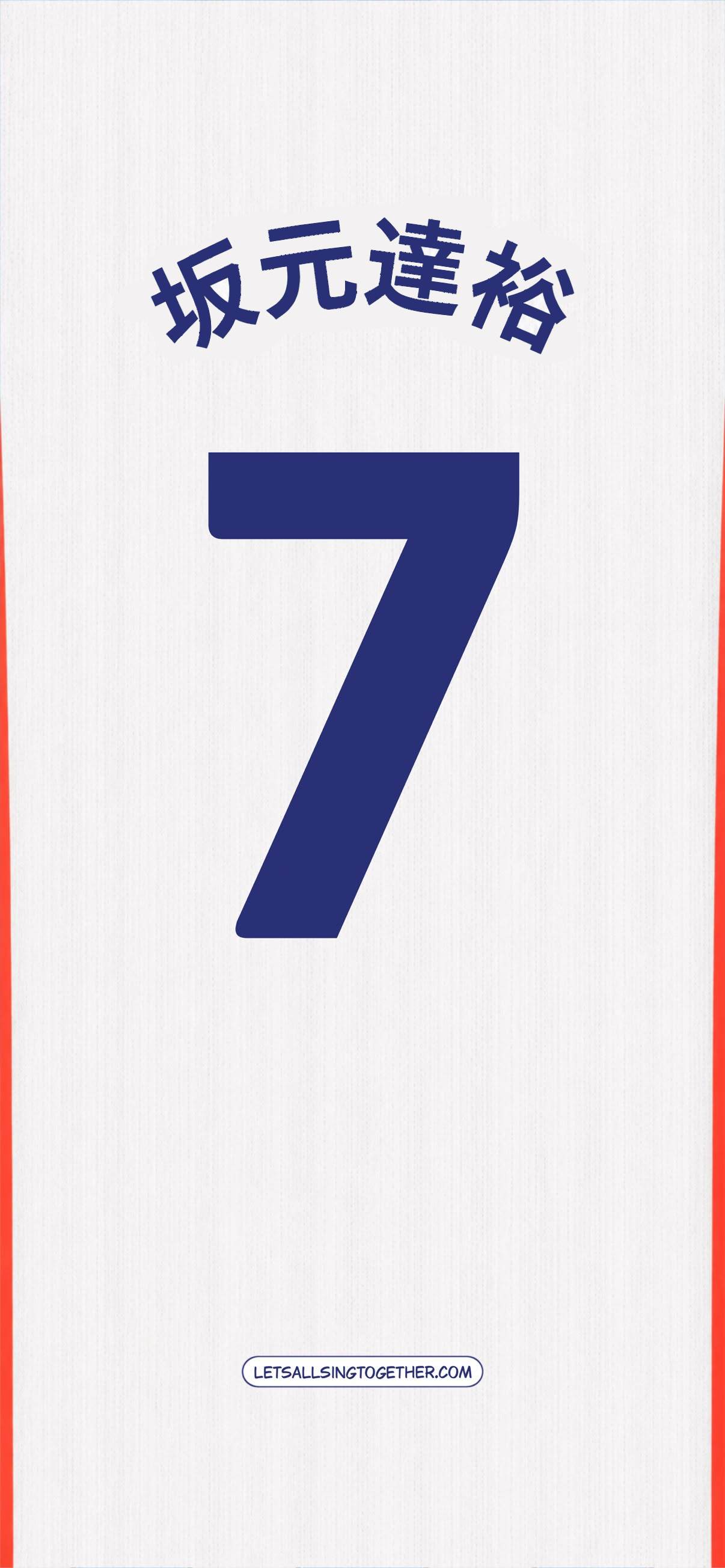
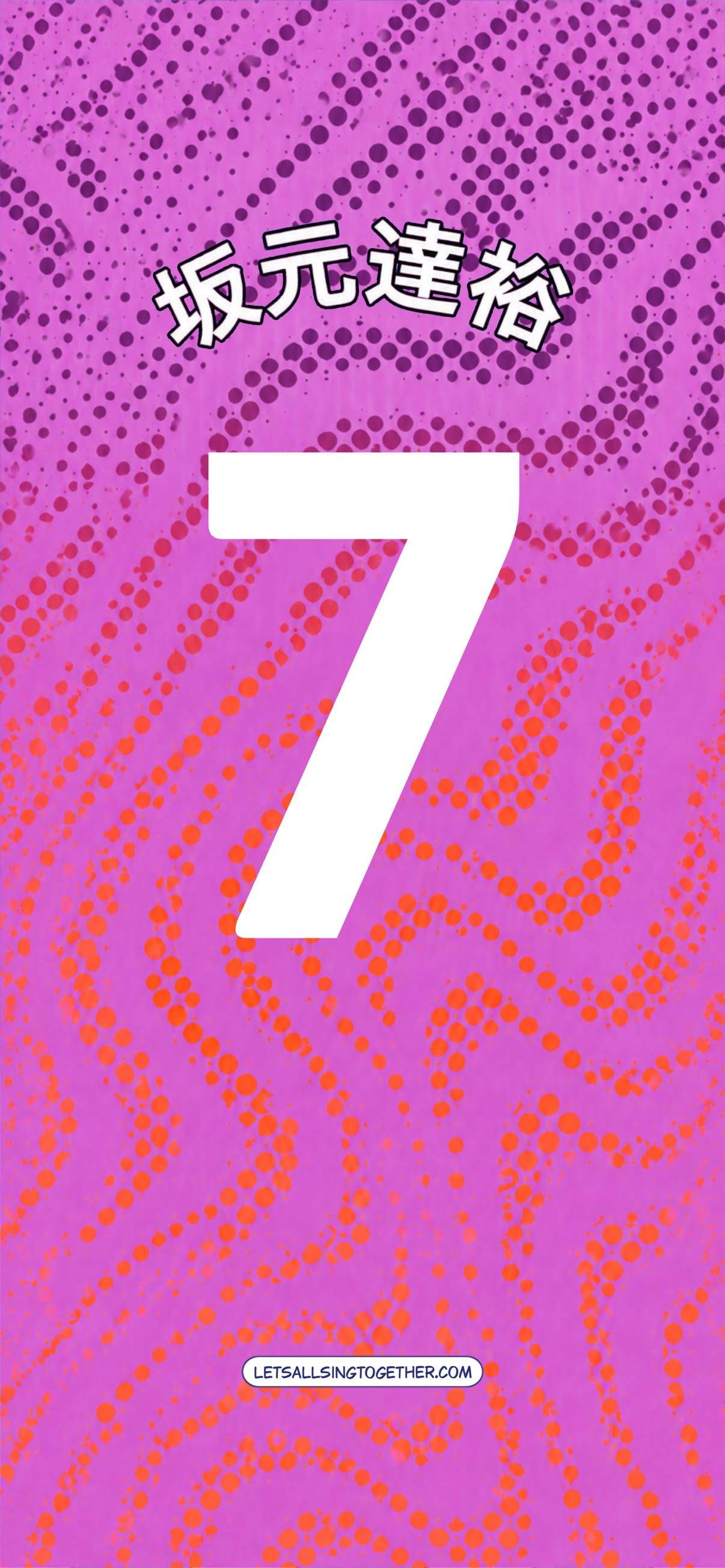
Whilst we wait for the club to offer shirts with Tatsu's name in Japanese Kanji text, our friends over at CCFC Prints have helped us make some wallpapers for your mobile phone!
Back in the day LAST's PC wallpapers were very popular. I heard a story once of someone changing an entire classroom wallpapers to a LAST Mo Konjic one!
Anyway, find the images and instructions below (if you don't know already)
iPhone
To save an image from the internet as your iPhone wallpaper, first save it to your Photos app from your browser, then set it as your wallpaper.
Step 1: Save the Image to Photos
Open your web browser (such as Safari) and go to the image.
Touch and hold the image until a menu appears.
Tap Save to Photos (or Add to Photos).
Step 2: Set It as Your Wallpaper
Open the Photos app and tap the saved image.
Tap the Share icon (box with an arrow pointing up).
Scroll down and tap Use as Wallpaper.
Pinch or drag to adjust the framing, customize styles or widgets if desired, and tap Add.
Choose Set as Wallpaper Pair for both screens, or tap Customize Home Screen to edit them separately.
Android
1. Save the Image from Your Browser
Open the webpage in your browser and press and hold on the image.
Tap Download image or Save image (exact wording varies by browser).
Grant storage/media permission if prompted.
2. Set It as Your WallpaperFrom Google Photos / Gallery: Open the image, tap the three dots (or menu icon), and select Use as > Wallpaper (or Set as wallpaper).
From Wallpaper Settings: Press and hold an empty space on your home screen, tap Wallpaper & style (or Wallpapers), choose your photo from your gallery or recent photos, and adjust the framing.
Choose Home screen, Lock screen, or Both, then confirm or tap Apply / Done.
If the image does not show up in your gallery, look for it inside your phone's Downloads folder or file manager app.
You may also like